How medical practices can turn website visitors into confirmed appointments
The short answer
Patients decide quickly. If your site only lists a phone number that rings out at lunchtime, they book elsewhere. A clear services page, a one-minute appointment request, fast confirmation and an automatic reminder turns a visit into a patient in the chair.
If you searched for
- “doctor appointment booking Trinidad”
- “clinic website”
- “medical practice booking system”
- “patient appointment reminders”
You’re in the right place.
What should happen after someone enquires
Six steps. None of them by hand.
- 01SearchA patient finds your services online.
- 02RequestThey choose a service and a preferred time.
- 03ConfirmYour team confirms from a private staff area.
- 04RemindAn automatic reminder before the visit.
- 05VisitFewer no-shows, a calmer front desk.
- 06ReturnFollow-up and recall messages when due.
Why patients leave your website without booking
Usually it's one of these:
- They can't tell quickly whether you offer what they need
- The only way to book is a phone call during busy hours
- There's no sign of when they'll hear back
- The site is hard to use on a phone
What a practice website should do
Explain each service simply, show opening hours and location, and let patients request an appointment in under a minute — on their phone. Requests land in a private staff area, not a receptionist's personal WhatsApp.
From there, the team confirms, the patient gets a confirmation and a reminder, and the front desk sees the day at a glance.
Keep patient details where they belong
Patient messages and appointment details should live in a private, access-controlled system with staff logins — not scattered across personal phones and email inboxes. That's better for patients and easier for your team.
The face vs. the structure
An inbox, or a system.
A website on its own
- Phone lines busy, patients give up
- Appointments written in a book or a chat
- No reminders, more no-shows
- Patient messages on staff's personal phones
One connected system
- Requests online, any time of day
- One shared appointment list for the team
- Automatic confirmations and reminders
- A private staff area with proper logins
What we’d build for you
For medical practices, in one build.
- 01
Clear services catalogue
- 02
One-minute appointment requests
- 03
Private staff area for appointments and messages
- 04
Automatic confirmations and reminders
- 05
One-tap WhatsApp, call and directions
- 06
Local search set-up for your area
Honest prices · November 2026
- EssentialLive in 1–4 days · care TT$600/moTT$8,000–10,000
- Business systemLive in 1–4 days · care TT$2,100/moTT$35,000–40,000
Pay 60/40, or spread it over 6 or 12 months. See full pricing
Closest work we’ve done
Health Xpress
Healthcare · Cunupia, Trinidad
For Health Xpress Doctors' Office in Cunupia we built a services catalogue, a four-step appointment request and a private staff area for appointments, patient messages and the team.
See the case study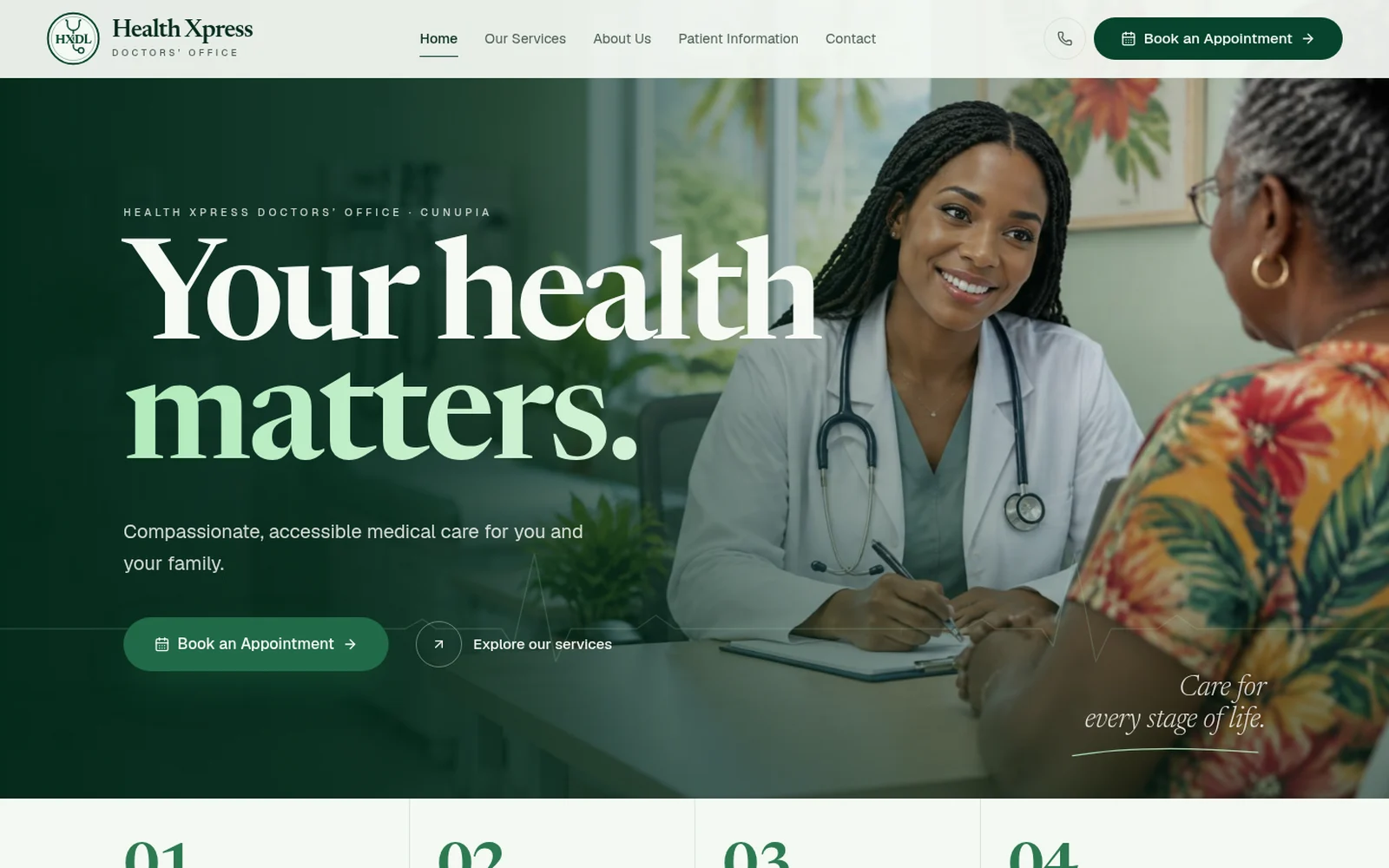
- Can patients book a specific time, or just request one?
- Either. Many practices start with requests the team confirms, then move to live time slots once they're comfortable.
- What does a simple practice website cost?
- An Essential website is TT$8,000–10,000, live in 1–4 days. Appointments, a staff area and reminders sit in the Business system at TT$35,000–40,000.
Your next patient is already searching. Make booking the easiest thing on the page.
Others build the face. We build the whole business — website, bookings, payments, client records and the follow-up — as one system.